
In an era where communication drives business and personal interactions alike, protecting your email data has never been more important. Mail Backup X offers a comprehensive solution for backing up, archiving, and managing emails across multiple platforms. Designed for professionals, businesses, and everyday users who value data security, Mail Backup X delivers powerful email backup tools that are easy to use yet highly effective.
Powerful Email Backup for All Platforms
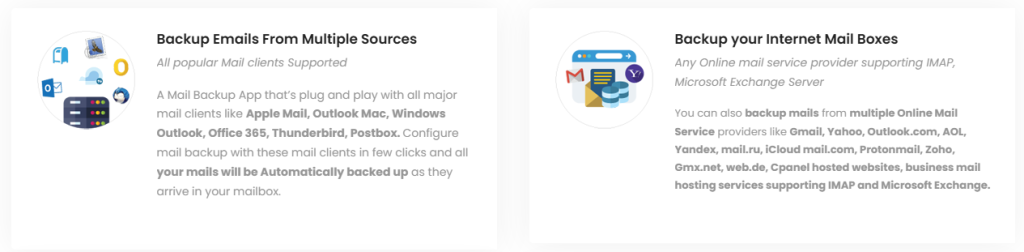
One of the standout features of Mail Backup X is its ability to work with a wide range of email services. Whether you use Gmail, Outlook, Yahoo Mail, Apple Mail, or other IMAP/POP accounts, the software supports reliable backups without complicated setup. This flexibility ensures that users aren’t limited by their choice of provider and can safeguard their email data no matter where it lives.

More than just a simple backup tool, Mail Backup X brings powerful cross-platform compatibility. Users on Windows and macOS can both take advantage of its full feature set, making it a universal solution for personal and professional email backup needs.

Automated and Continuous Protection
Keeping email data safe shouldn’t be a manual chore, and Mail Backup X addresses this with automated backup scheduling. Once set up, the software regularly backs up your emails without requiring any additional effort. This automated approach gives users peace of mind, knowing that their latest messages and attachments are always protected.
In addition to scheduling, Mail Backup X offers incremental backups, which means only new or changed emails are backed up after the initial run. This not only speeds up the backup process but also saves storage space, making the system efficient and user-friendly.
Searchable and Organized Archives
Having a backup is only valuable if you can access it easily, and Mail Backup X excels in this area as well. The platform creates organized, searchable archives that allow you to quickly locate specific emails, attachments, or conversations. This feature is especially useful for professionals who need to retrieve old correspondence for legal, financial, or operational reasons.
The intuitive interface lets users browse through archived messages with ease. Even users with large volumes of saved emails will find the search functionality fast and accurate, helping reduce frustration and saving time.
Secure and Encrypted Email Storage
Security is at the core of Mail Backup X. Backups are stored securely and can be protected with encryption to prevent unauthorized access. This ensures that sensitive information contained in emails and attachments remains confidential, even if backups are stored on external drives or cloud services.
Users who need an extra layer of protection can enable password encryption, making the archive accessible only to those with the correct credentials. This added safeguard makes Mail Backup X particularly suitable for businesses that handle confidential or regulated data.
Flexible Export Options
Beyond backing up email, Mail Backup X lets users export their messages in different formats. This means emails can be saved as PDFs or other popular file types, making them easier to share, print, or store outside of the primary backup system.
Exporting features are especially valuable for legal documentation, compliance reporting, or when migrating to a new email system. With Mail Backup X, users don’t have to worry about compatibility issues or lost data during transitions.
Why Mail Backup X Stands Apart
While many tools offer basic email backup, Mail Backup X combines powerful functionality with user‑friendly design. Its wide platform support, automated scheduling, secure encryption, searchable archives, and flexible export options make it more than just a simple backup utility.
Some competitors focus only on server backups or require complex configurations, but Mail Backup X keeps setup straightforward while offering enterprise‑level capabilities. Whether you’re safeguarding personal messages or protecting business communications, the software caters to a broad range of users without sacrificing performance or security.
What You Can Find on the Website
When visiting the official Mail Backup X site, users can access detailed information about features, pricing plans, and supported platforms. The website provides clear tutorials and guides to help with installation and configuration, ensuring a smooth user experience from start to finish.
Additionally, visitors can review customer testimonials, comparison charts, and FAQs to better understand how Mail Backup X fits their specific needs. The site also offers support resources for troubleshooting and direct assistance, making it easier to address questions or concerns.
Conclusion
In a digital landscape where email remains a core form of communication, protecting your messages and attachments is essential. Mail Backup X delivers a complete backup solution that combines flexibility, security, ease of use, and advanced features. From automated backups and encrypted storage to searchable archives and flexible export options, the platform stands out among email backup tools. Whether for personal use or business continuity, Mail Backup X offers the protection and reliability users need to keep their email data secure and accessible.