Web browsers are usually treated as simple tools — open a page, search, and move on. Opera takes a different approach by turning the browser itself into a multifunction platform designed for productivity, privacy, and entertainment. Instead of relying on external extensions for most features, the browser integrates many tools directly into the core experience.
The idea is to reduce switching between apps. Messaging, privacy protection, and AI assistance all exist within one interface, making browsing feel closer to using an operating environment rather than a single program.
What Makes Their Product Special

Built-in VPN and ad blocker
One of the most noticeable features in Opera is the integrated free VPN and native ad blocker. Users can activate privacy protection without installing third-party add-ons, helping pages load faster and reducing tracking interruptions.
Integrated AI tools
The browser includes built-in AI chat functionality accessible directly from the sidebar. Instead of opening a separate website or app, users can ask questions, summarise content, or generate ideas while staying on the page they are viewing.
Tab organisation system
Tab Islands allow pages to be grouped automatically into logical clusters. This helps users manage dozens of tabs without losing track of tasks — particularly useful for research, shopping, or work sessions.
Sidebar messaging and social apps
Messaging platforms can be accessed directly from the browser’s sidebar. This removes the need to constantly switch between communication apps and browsing windows.
Gaming-focused browsing option
A specialised version aimed at gamers offers resource control features so background browsing does not affect system performance during gameplay.
What You Can Find on Their Website
The website of Opera acts as a hub for downloading different browser versions and learning how each fits specific needs.
Multiple browser versions
Visitors can access several editions including:
- Standard desktop browser
- Mobile browser
- Gaming-focused browser
- Lightweight mobile data-saving browser
Each version is tailored to a particular usage style rather than offering a single universal product.
Feature explanations
Detailed sections explain how privacy tools, AI assistance, tab grouping, and messaging integration function. These guides help users understand benefits before installing.
Security and privacy information
The platform highlights protection features such as tracker blocking and secure browsing options.
Extensions and add-ons
Users can enhance functionality further with themes, wallpapers, and optional extensions while still keeping most tools built in.
Help and community areas
Support pages, forums, and blog articles provide tutorials and tips for improving browsing habits.
How They Differ From Other Browsers
Built-in tools instead of extensions
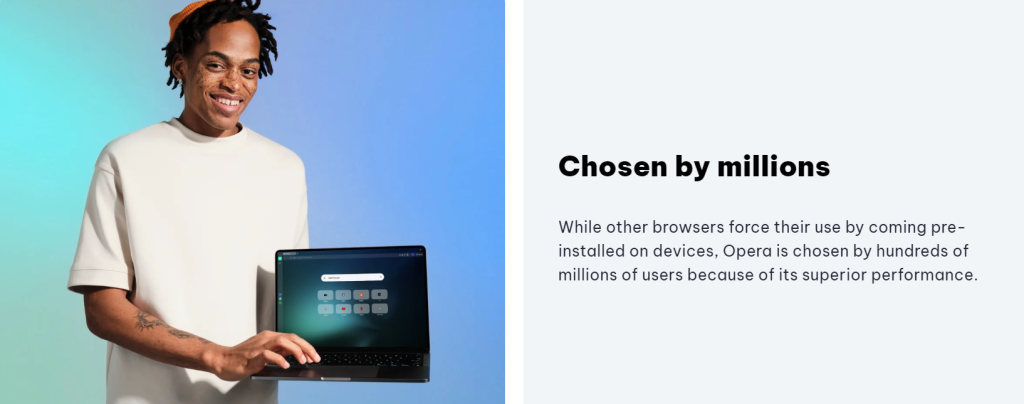
Most browsers depend heavily on add-ons to gain extra features. Opera integrates many of them directly, reducing installation steps and improving performance consistency.
Focus on multitasking
The sidebar design allows chatting, browsing, and researching simultaneously in one window rather than multiple applications.
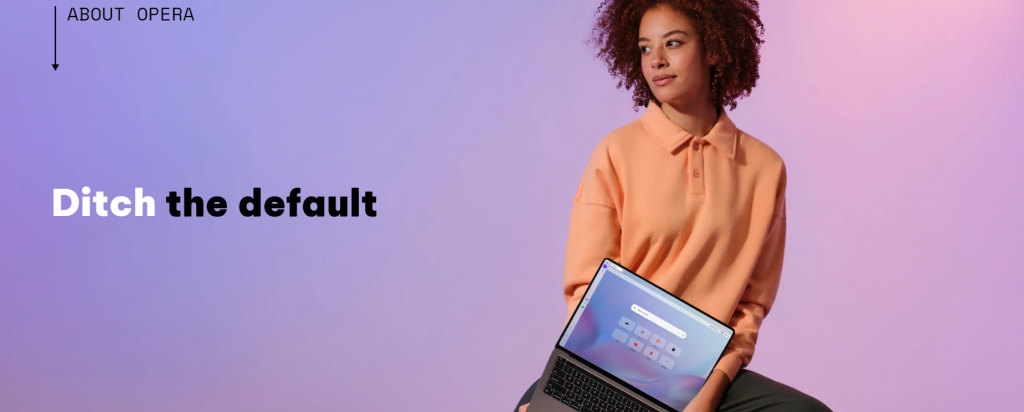
Privacy included by default
Rather than optional downloads, privacy features are ready to use immediately after installation.
Different versions for different lifestyles
The company offers browsers tailored for mobile data saving, gaming performance, and general productivity, giving users more targeted choices.
AI integrated into browsing workflow
Instead of separate AI platforms, the assistant works within the browsing environment, making it part of everyday web activity.
Types of Features Available
Through Opera users typically access:
- Free VPN browsing
- Ad blocking
- AI assistance tools
- Tab grouping organisation
- Sidebar messaging
- Synchronised mobile and desktop browsing
Customer Experience Approach
The browser experience centres around reducing friction. Tasks like chatting, reading, watching media, and researching can happen simultaneously without opening multiple programs. This transforms browsing from a sequence of actions into a continuous workflow.
Instead of acting purely as a gateway to websites, Opera functions as a workspace that hosts online activities in one environment.
Why People Choose This Browser
Many users prefer it because it combines several needs in one application:
- Built-in privacy protection
- Multitasking tools
- Integrated communication
- AI assistance
- Personalisation options
Final Thoughts
Web browsers are often overlooked despite being one of the most used applications on a computer. Opera stands apart by expanding what a browser can do — blending communication, privacy, and productivity features into a single interface.
By reducing reliance on external apps and extensions, it transforms browsing into a unified digital workspace rather than a simple page viewer.